Xootle Print Server
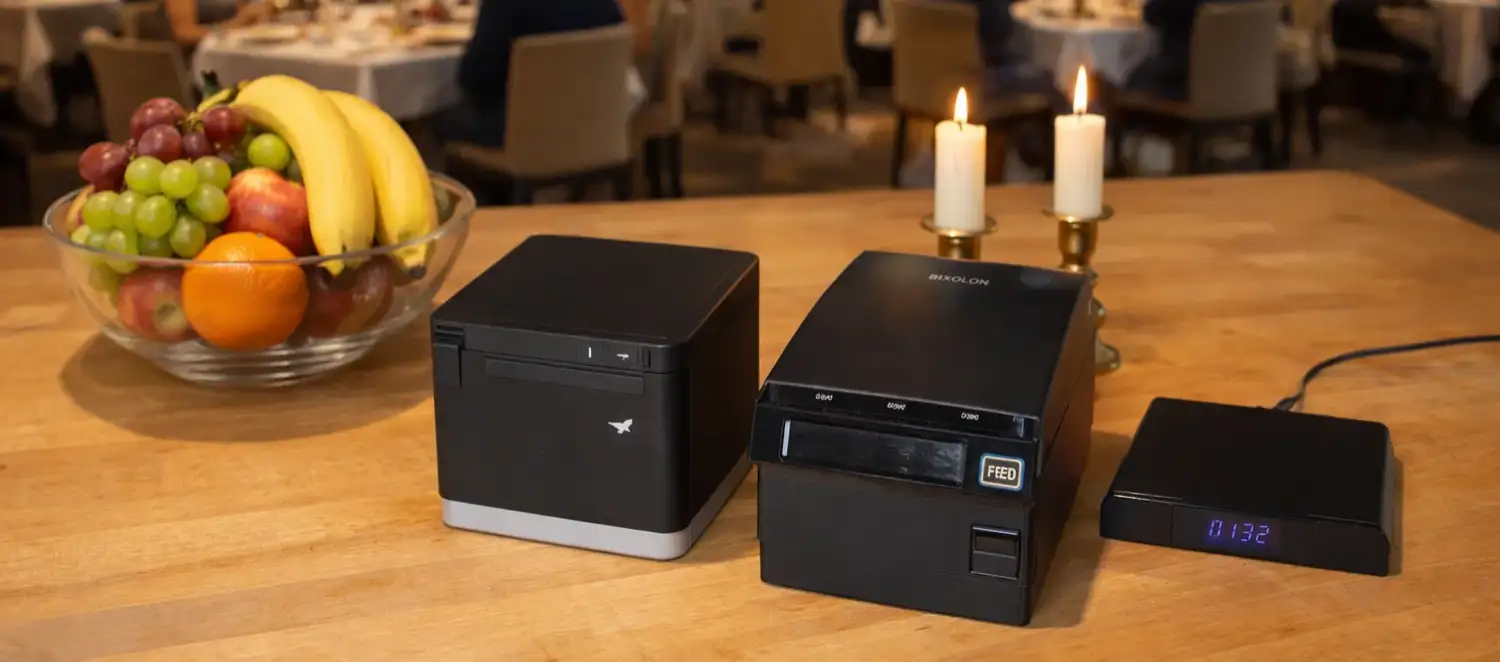
Easily connect your existing point-of-sale (POS) printers, such as receipt, kitchen and bar printers, to Xootle print services with our custom-developed MQTT print server.
There is no need to buy new printers: one compact print server can make your current printers ready for printing via MQTT, both locally and in the cloud.
There is no need to buy new printers: one compact print server can make your current printers ready for printing via MQTT, both locally and in the cloud.
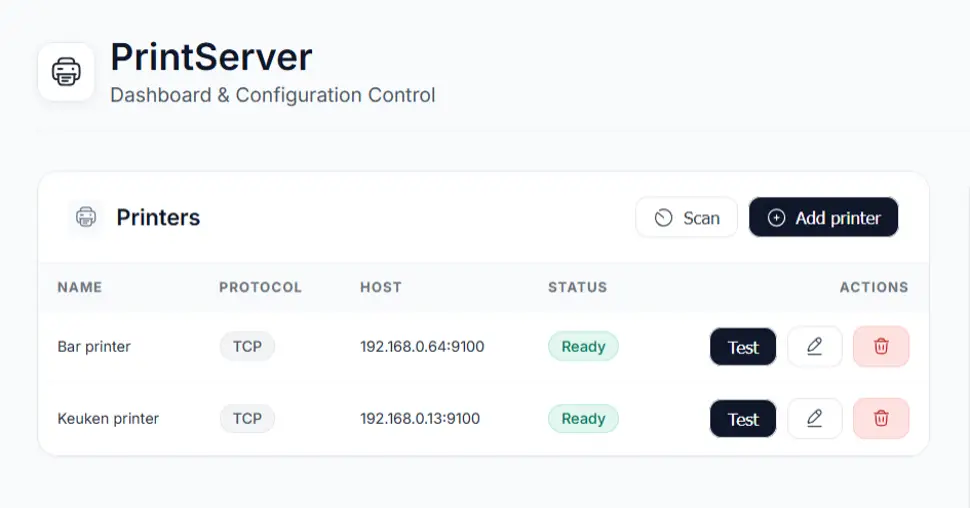
Who is the Xootle Print Server ideal for?
The print server is ideal for hospitality businesses that:
Do you own a Star, Bixolon or Epson printer, for instance?
These POS printers can quickly cost between €200.00 and €500.00 each (excl. VAT). In such cases, it is often more cost-effective to continue using them and make them compatible with Xootle via our MQTT print server.
- already have multiple good POS printers
- do not want to invest in a complete replacement
- want to switch to Xootle
Do you own a Star, Bixolon or Epson printer, for instance?
These POS printers can quickly cost between €200.00 and €500.00 each (excl. VAT). In such cases, it is often more cost-effective to continue using them and make them compatible with Xootle via our MQTT print server.
For LAN and USB POS printers
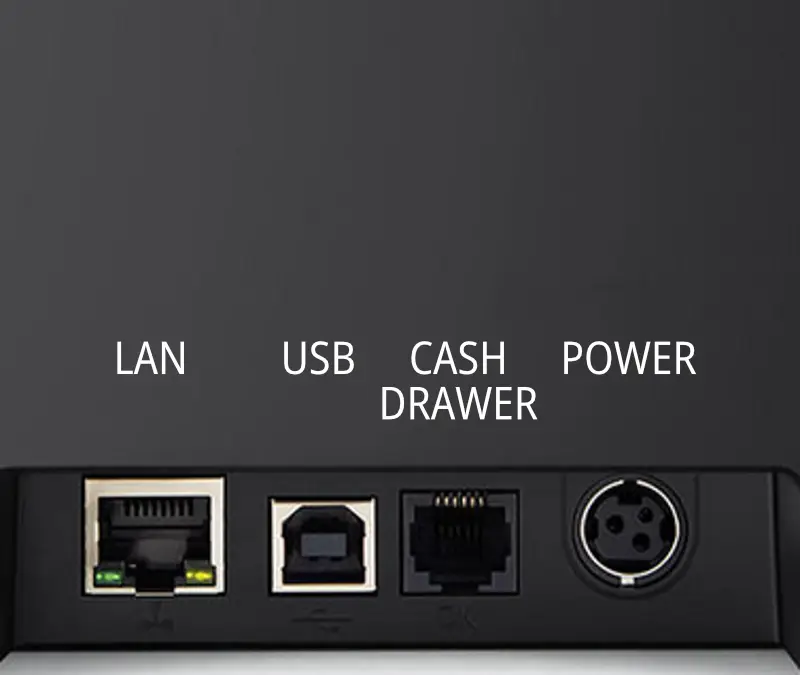
The Xootle print server supports both.
For a modest monthly fee, we manage the print server and provide updates and maintenance, ensuring that you don't have to worry about technology, compatibility, or security.
- LAN POS printers (network printers via Ethernet or Wi-Fi)
- USB POS printers (direct connection with three USB ports).
For a modest monthly fee, we manage the print server and provide updates and maintenance, ensuring that you don't have to worry about technology, compatibility, or security.

Why choose MQTT over 'regular cloud printing'?
Some providers call it 'cloud printing', but there are many different versions, some of which are less reliable. Xootle has chosen MQTT intentionally because it is a stable and proven protocol for real-time communication.
What are the advantages of MQTT?
What are the advantages of MQTT?
- Fast and consistent print jobs
- It is reliable when printing to multiple printers simultaneously.
- Less disruption from network fluctuations
- It is also suitable for scalable hospitality environments (kitchen, bar, counter and takeaway).
- No driver installation or update issues.
Advice based on the number of printers needed
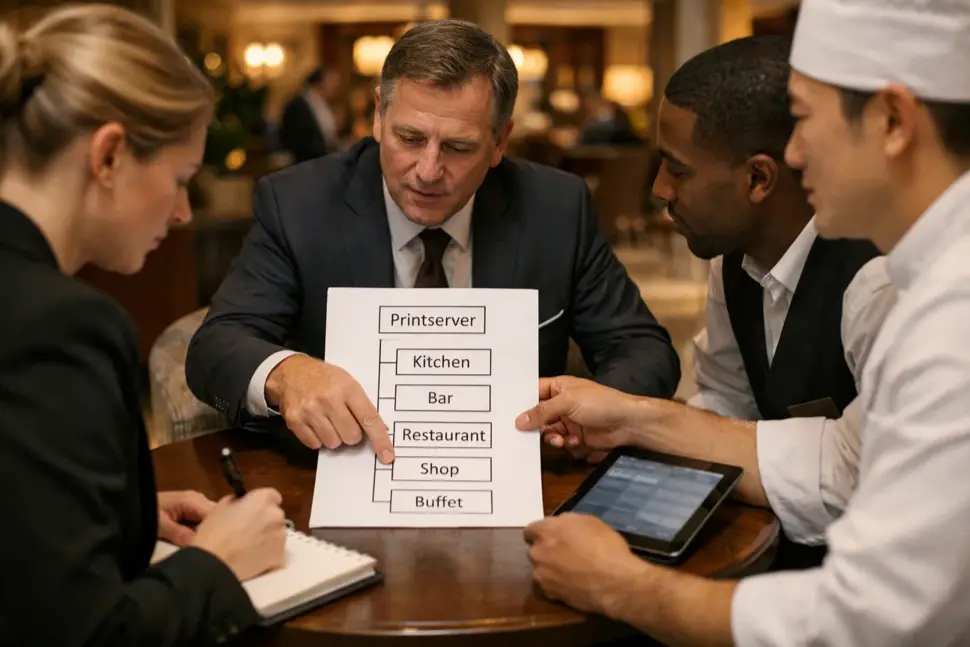
Do you use more than two point-of-sale (POS) printers?
If so, a print server is usually the best option. It will make your current printers compatible with Xootle. This option is more cost-effective than purchasing new MQTT printers.
If you only use two POS printers, you have different options.
If so, you have different options:
Do you use one POS printer?
For simplicity and to avoid additional hardware like a print server, we generally advise purchasing an MQTT printer from Bixolon or Star.
Need help deciding?
We’re happy to offer honest advice on the best choice for your needs.
If so, a print server is usually the best option. It will make your current printers compatible with Xootle. This option is more cost-effective than purchasing new MQTT printers.
If you only use two POS printers, you have different options.
If so, you have different options:
- One print server and two network printers (LAN).
- two MQTT printers ready for Xootle.
Do you use one POS printer?
For simplicity and to avoid additional hardware like a print server, we generally advise purchasing an MQTT printer from Bixolon or Star.
Need help deciding?
We’re happy to offer honest advice on the best choice for your needs.
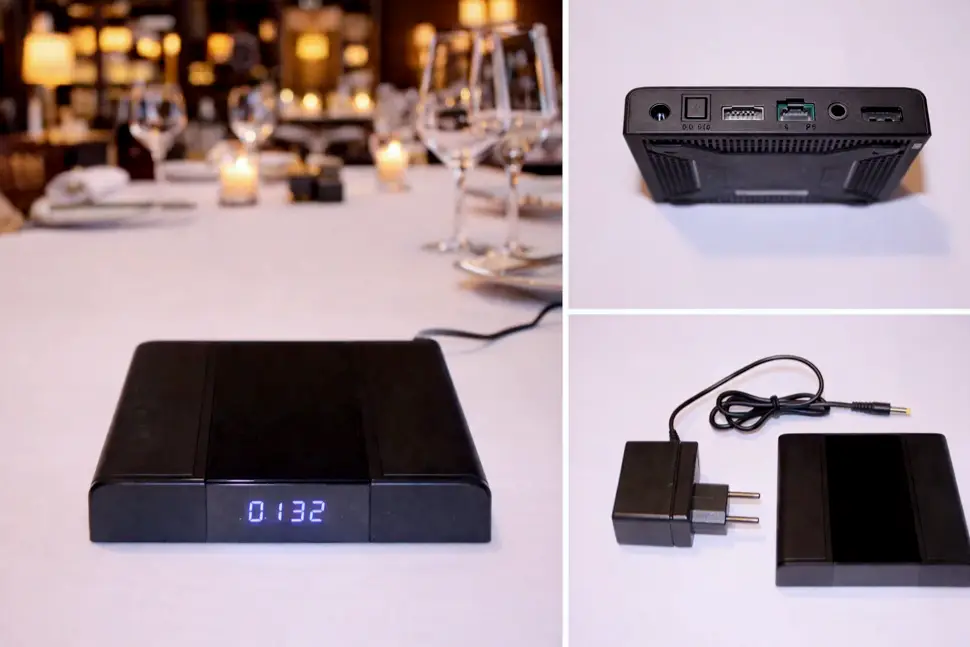
Printing done right!
The Xootle MQTT print server provides a modern, timeless printing solution that can grow with your business. You can keep your current printers and switch to smart Xootle print services, safe in the knowledge that everything will remain up to date and reliable.

FAQ Print Server
What is a Print Server?
It is a piece of hardware that coordinates printing from a central location.
Can I use a different Print Server?
Unfortunately not. This print server combines the MQTT protocol with print commands for POS printers, and is specific to this purpose. We developed the software ourselves.
Why Do I Need a Print Server?
In principle, you don’t need a print server if your printers support the MQTT protocol and have been configured by us.
Can I Combine Different Printers?
Yes, you can. You can mix and match different brands of printers. It makes no difference to the print server. You can also connect some standard printers to the print server and other MQTT printers independently.
What's the Difference Between a Brand Printer and Xootle Import?
In theory, the printers are similar in terms of speed, the durability of the thermal print head, and reliability. The main differences lie in robustness, weight, and warranty. Self-imported printers usually come with a 1-year warranty, while brand printers typically offer 2 to 3 years.
The best choice depends on your business type and size. A seasonal business with 60 seats might do well with self-imported printers. For a business open year-round needing continuous printing, we usually recommend opting for a brand printer.
The number of printers and daily swaps also play a role. Some beach pavilions may be relatively small but operate all day long, so additional robustness or a spare printer can still be beneficial.
The best choice depends on your business type and size. A seasonal business with 60 seats might do well with self-imported printers. For a business open year-round needing continuous printing, we usually recommend opting for a brand printer.
The number of printers and daily swaps also play a role. Some beach pavilions may be relatively small but operate all day long, so additional robustness or a spare printer can still be beneficial.
How Did Xootle Choose Its Own Import Printers?
We narrowed it down from over 20 brands to 2 that we offer. Our requirements were too high for most manufacturers.
Our criteria included:
Our criteria included:
- Print speed: at least 200mm/s
- Produce clear prints (>200DPI)
- Thermal head can print at least 100 km
- LAN connection
- USB connection
- Optional WIFI
- Autocutter
- Easy paper replacement
- Can use both 80mm and 58mm paper
- Toggleable beep
- After-sales guarantees
- Fast delivery even if out of stock
- CE certified
- ROHS compliance
- Robust material
- Not lighter than 900 grams
- Includes 220-volt power supply and plug
- Good price-quality ratio
- Simple software for settings
- Minimum of 5 years as a printer manufacturer
- Minimum 1-year warranty
How Much Does the Xootle Print Server Cost?
The MQTT print server is only €129.00 one-time and €2.99 per month for updates, management, maintenance, and 2-year replacement service (Carry-in).